Windows 10 – no longer supported!
Do you still have obsolete workstations and laptops in your business that cannot be updated to Windows 11?
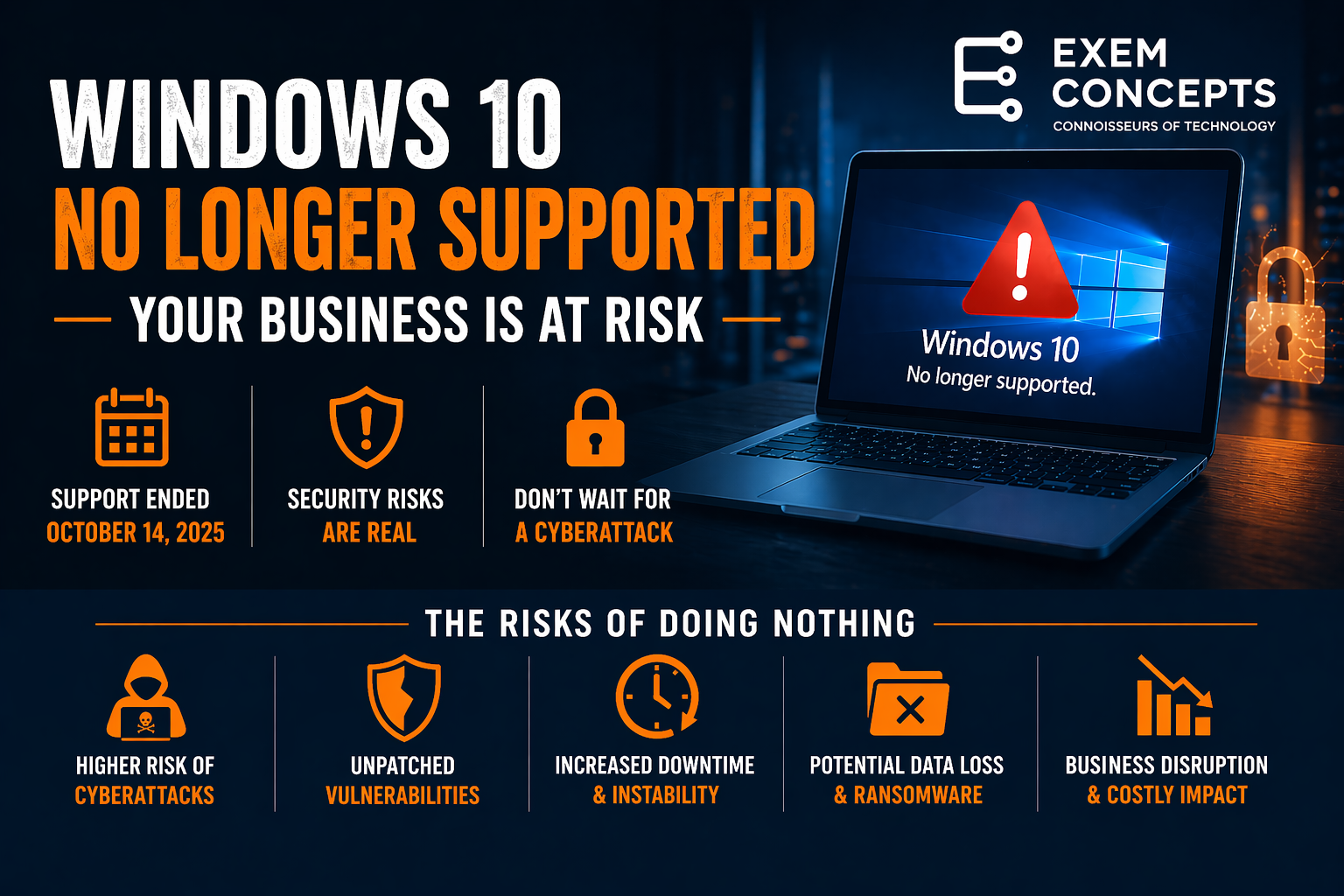
Maybe you have been kicking this can down the road, hoping things would improve by magic. The fact remains that on October 14, 2025, Microsoft stopped providing security updates, bug fixes, or technical support for Windows 10.
For Orange County businesses, this is no longer a problem that can be ignored — it’s a current risk that must be addressed as soon as possible.
What would be the cost to your business if it were offline for one, two, or more days because of a ransomware attack compared to replacing old hardware?
Trusted Platform Module and Secure Boot
Many Orange County business owners assume the move from Windows 10 to Windows 11 is simply a Microsoft marketing push. On the surface, it can feel that way—especially if existing systems still appear to be working.
However, the transition is largely driven by modern security requirements rather than marketing.
Windows 11 was designed to work with newer hardware standards, including built-in protections such as Trusted Platform Module (TPM) chips and Secure Boot. These features help defend against today’s more advanced cyber threats, which older systems were never designed to handle.
As a result, upgrading is less about keeping up with software trends and more about maintaining a secure and supported business environment.
The Risk of Doing Nothing
Many businesses delay upgrades because everything “still works.” That’s where the real danger begins.
Running unsupported systems can lead to:
- Higher likelihood of ransomware or cyberattacks
- Security tools becoming less effective over time
- Software compatibility issues
- Increased downtime and instability
- Possible denial of cyber insurance claims
Even one outdated computer can expose your entire network.
Why This Is Still a Problem in 2026
We’re seeing this across many small and mid-sized businesses:
- Older machines that cannot upgrade to Windows 11
- Many of these workstations and laptops are business-critical
- Increased cybersecurity risks — old hardware provides easy access to networks
- No clear inventory of which systems are affected
- Delayed decisions due to budget or timing
- Lack of a structured upgrade plan
The longer systems remain in this state, the higher the risk becomes.
What Your Business Should Do Now
If your organization still has Windows 10 machines, the priority is to act — not wait.
1. Identify All Windows 10 Systems
Understand exactly which devices are still running unsupported operating systems.
2. Evaluate Upgrade Options
Some systems can be upgraded to Windows 11 following a difficult firmware update, but is the effort and risk justified?
3. Plan Hardware Refresh Where Needed
Older machines often cost more in lost productivity than they are worth.
4. Move Toward a Supported Environment
The goal is a fully supported, secure, and manageable IT environment.
What This Means for Your Business
If you are still operating on Windows 10:
- Your systems are exposed to known and unknown vulnerabilities
- Your business risk is increasing over time
- You are likely out of alignment with modern security best practices
This is not about performance — it’s about security, stability, and protecting your business.
How Exem Concepts Can Help
At Exem Concepts, we help Orange County businesses move out of unsupported environments quickly and safely.
We can:
- Identify all affected systems
- Provide a clear upgrade and replacement plan
- Handle hardware procurement and setup
- Transition your team with minimal disruption
Our goal is to eliminate risk while keeping your business running smoothly.
Take the Next Step
If you’re not sure whether your business is still exposed, now is the time to find out.
We offer a no-obligation assessment to show:
- Which systems are unsupported
- What your risks are
- A clear, practical path forward
Contact Exem Concepts today to get your systems back into a secure, supported state.